
We’ve finally made your WhatsApp groups actionable
Most teams don’t need another chat app. They need chat that turns into work: clear owners, clear next steps, and a place to decide what to trust. That’s what we’ve been building in Inbox—and over the last week or so we’ve tightened the loop from “we said something in the group” to “it’s on our board.” Try today.
Below is a quick tour of how it looks in the product, using sample groups so you can see the shape of it without connecting your own workspace yet.
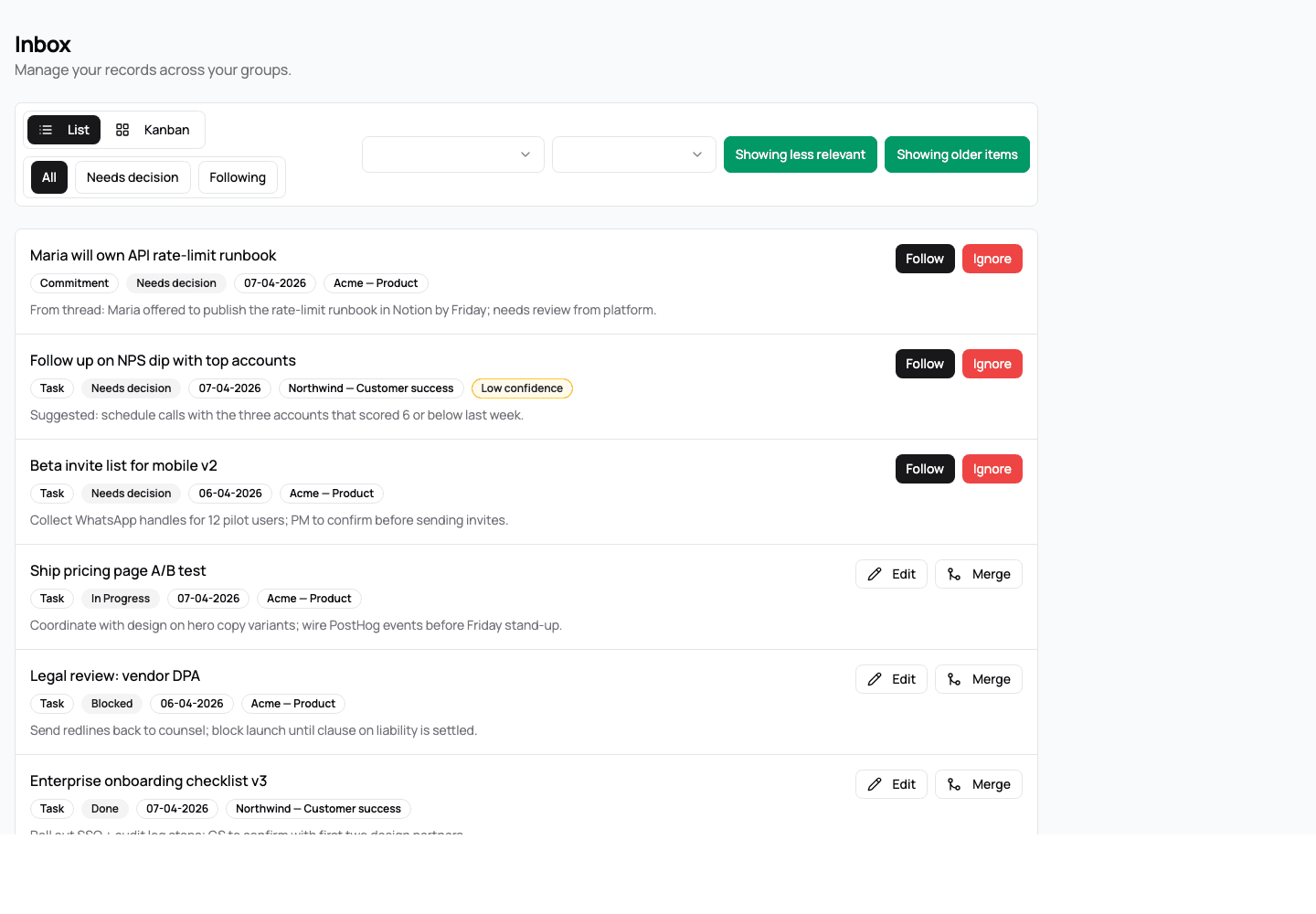
One inbox for proposals and the records you’re already following
Your inwrk-inbox is a single list across groups: new proposals from the thread sit next to commitments you’ve already chosen to follow. You can move between List and Kanban, filter by All, Needs decision, or Following, and narrow by group or record type. When the model is less sure about a line, you’ll see it called out so you can spend review time where it matters.
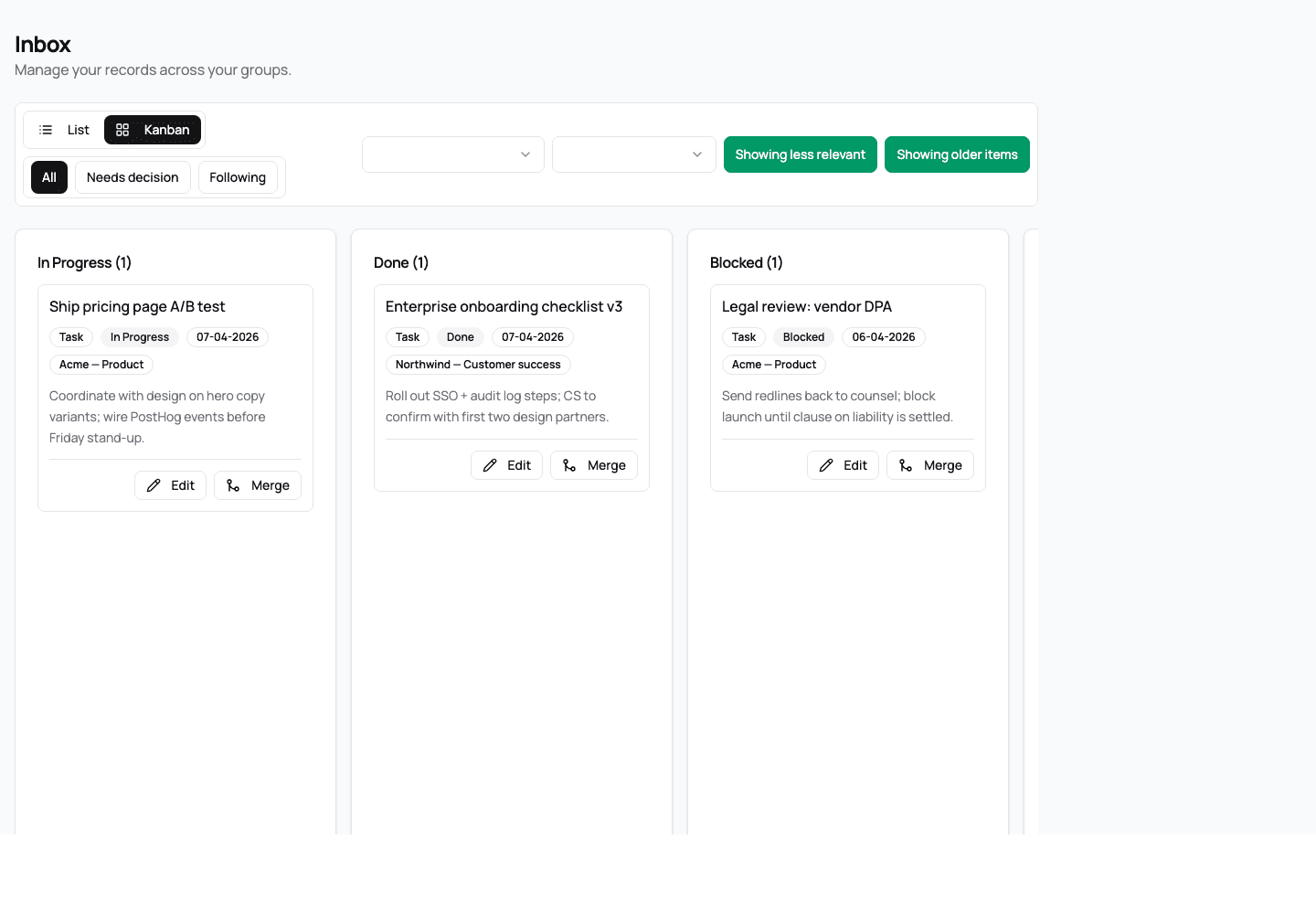
Kanban by status, not by screenshot in someone’s camera roll
For teams that think in columns, Kanban groups items by status so stand-ups and planning sessions have a familiar surface—without copying tasks into yet another tool by hand.
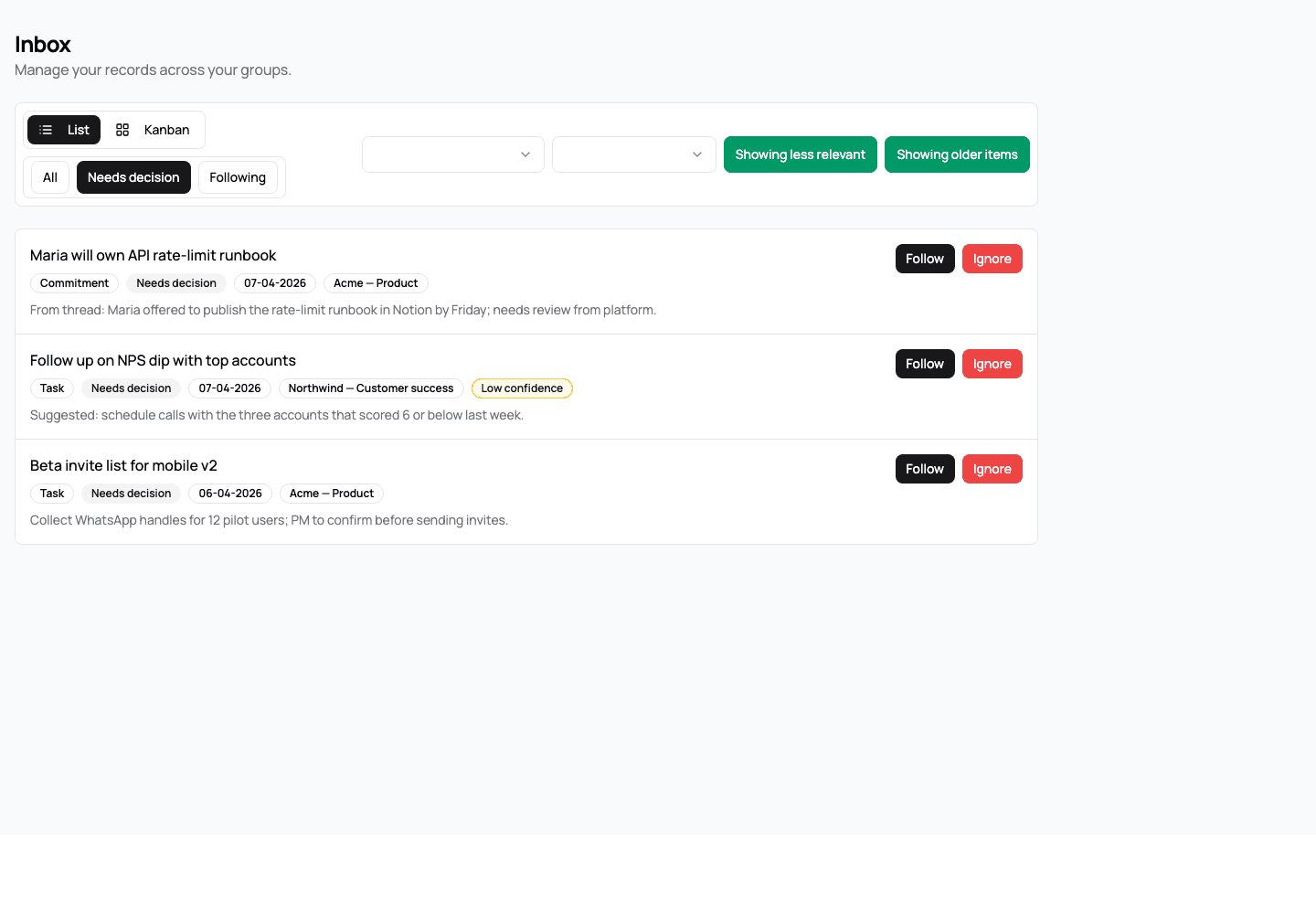
Triage: “Needs decision” and low-confidence items
Not every extracted line deserves the same attention. Needs decision pulls the proposals you still have to accept or ignore; combined with controls for older items and less relevant (lower-confidence) suggestions, you can clear the queue methodically instead of scrolling the group from Monday morning.
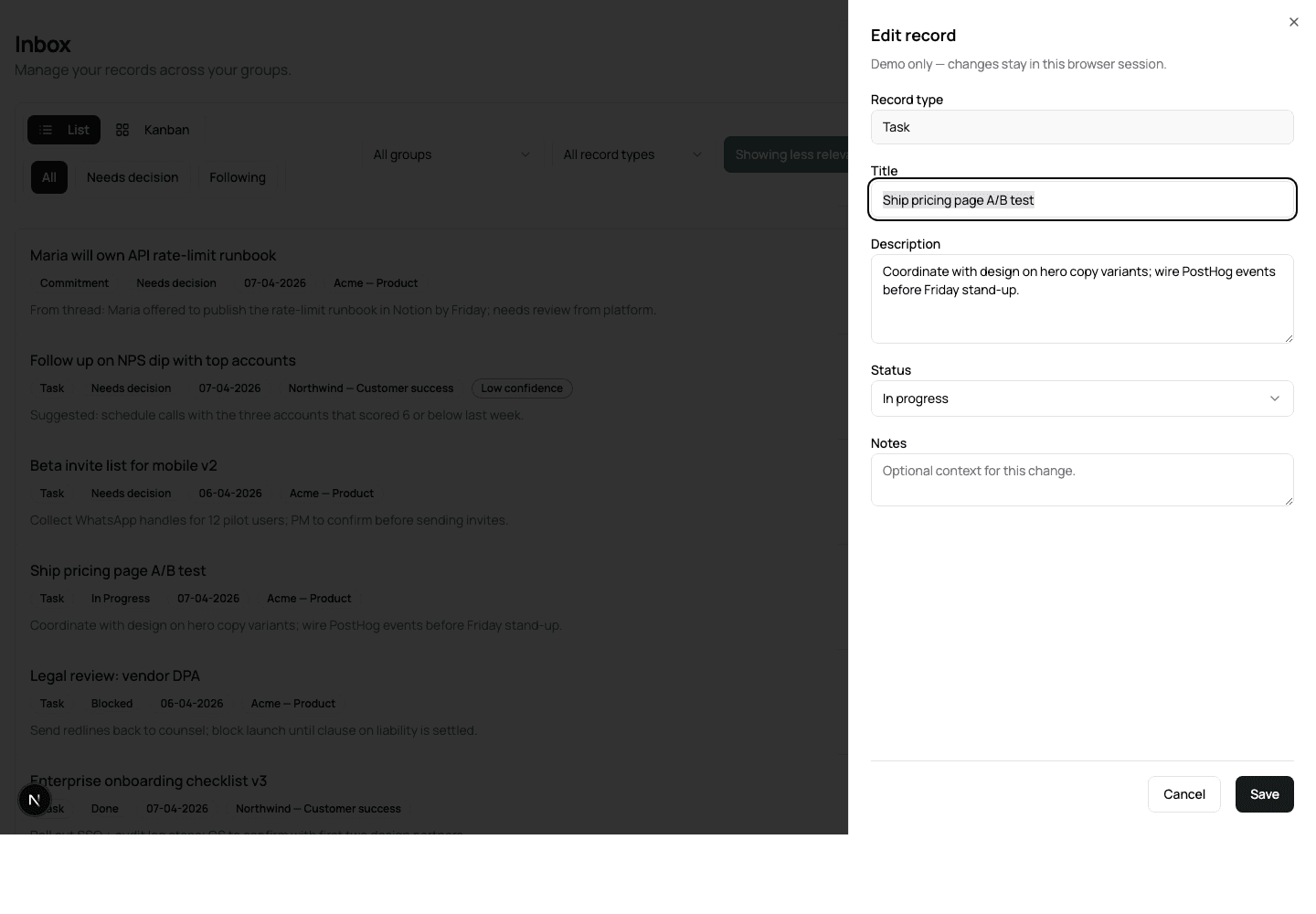
Records you can edit—so reality stays in sync
Once something is a record, it’s not frozen. You can edit title, description, and status so the system matches what you actually agreed—because WhatsApp is where the conversation starts, not where the truth stops.
Why this matters for inwrk customers
One place for what needs your attention — proposals and followed records together, with Follow / Ignore on new lines and Edit / Merge on what you already track.
Records you can run — status on real work, a clear board view, and edits that keep your records honest.
Filters that match how you triage — older items, less relevant (lower-confidence) lines, and views that don’t bury the decisions.
Clearer who and what — people and names surfaced in context so commitments have owners, not just messages.
If you’ve been waiting for WhatsApp to feel like a lightweight command center instead of a firehose, this is the direction we’re taking inwrk: from noise in the group to action on your terms.